GTA 6 Wallpapers: Where to Download the Official Ones
Where to download official GTA 6 wallpapers: Rockstar's page lists 28 artwork items, including region postcards. Here is how to find them and use them.
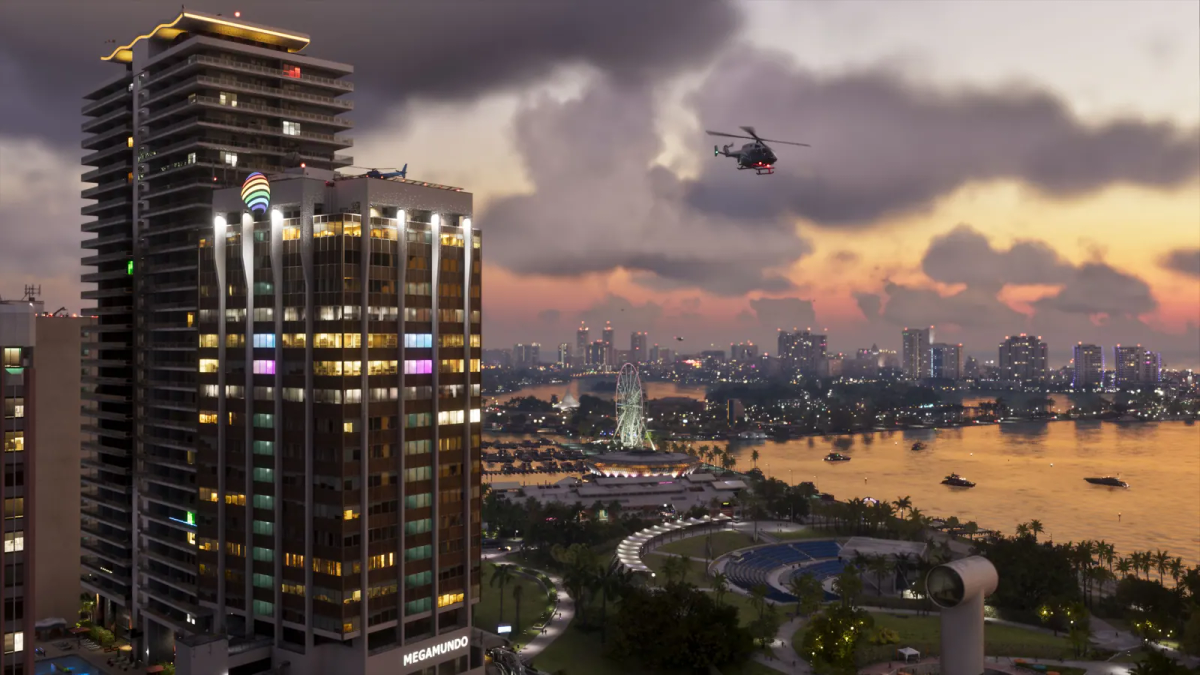
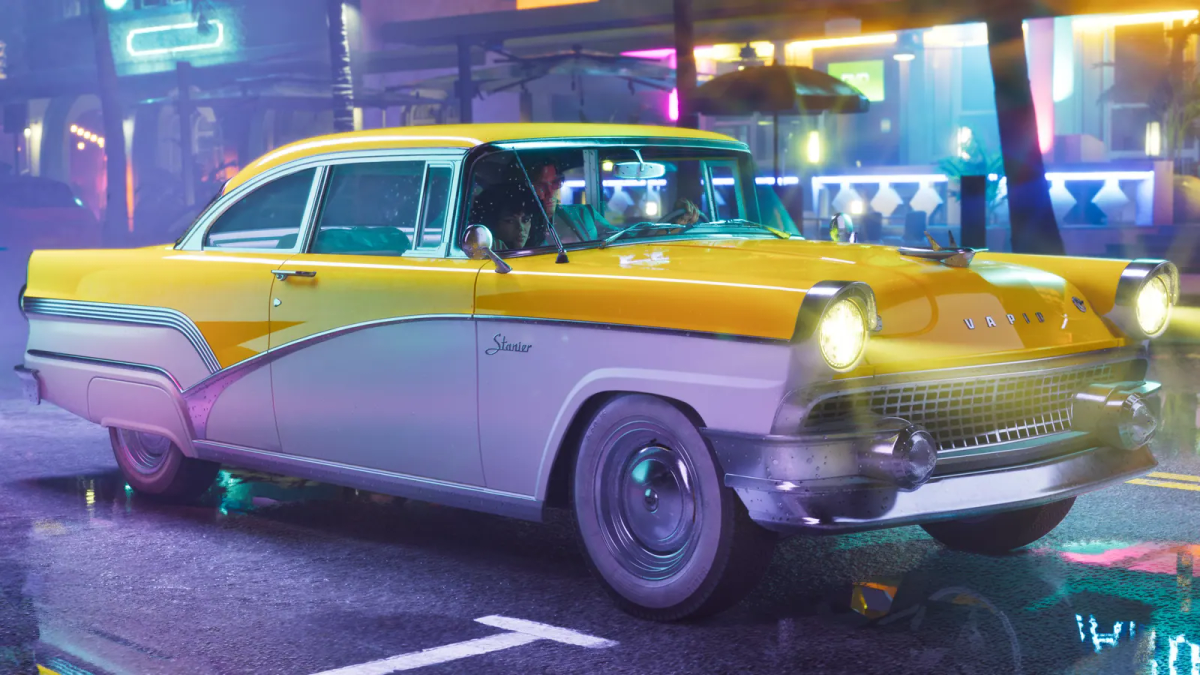
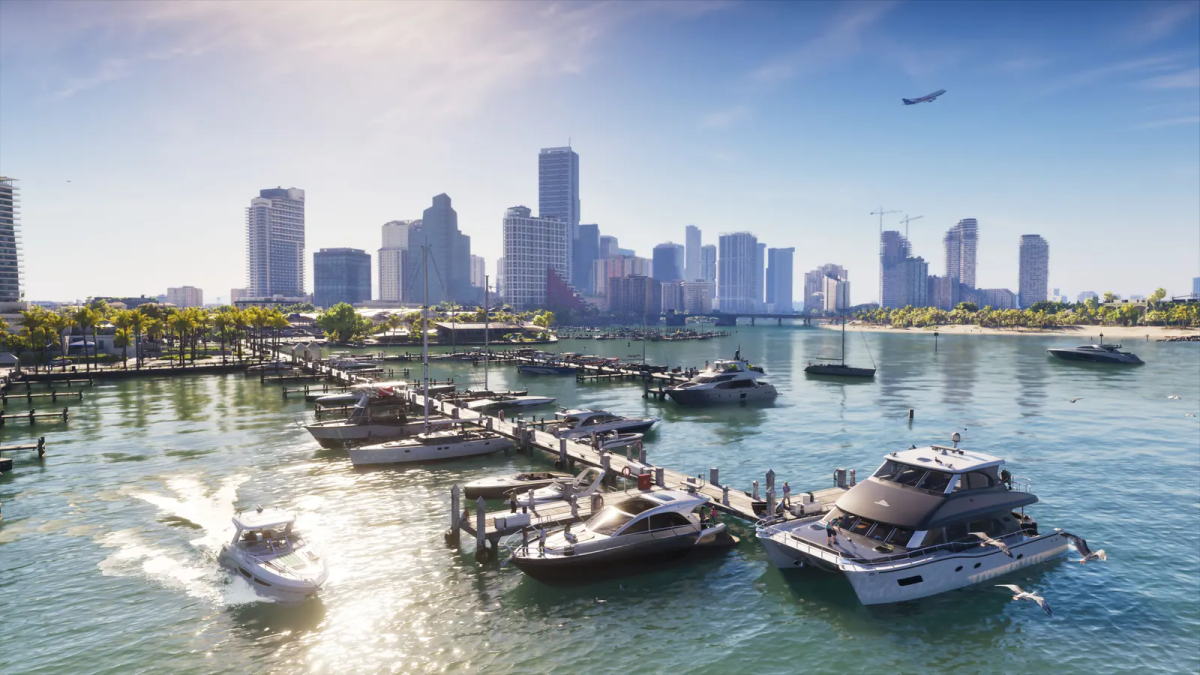
Official GTA 6 wallpapers are on Rockstar’s own site, on the Artwork & Wallpapers page. We do not host or display them here: it is Rockstar’s art, and the right way to get it is from the source. The photo above is an ordinary screenshot, not a wallpaper.
Where to download, step by step
- Open rockstargames.com/VI/media, the game’s media page.
- Go to the Artwork tab (or the “Artwork & Wallpapers” section, which holds 28 items).
- Click “Download All.” The button downloads all 28 items in a single ZIP.
- Unzip the file on your computer and choose the images you want.
The page does not state the resolution or the file size; each item shows 3 to 7 variants.
What is on the list
Rockstar lists 28 entries. The names below are the page’s own.
| Group | Entries | Note |
|---|---|---|
| Jason and Lucia | Rooftop, Lock and Load, Robbery, Beach, 01, 02 and Motel | Nearly all come in two versions, one marked “(With Logos)” and one without; Motel appears in just one |
| Characters | Cal Hampton, Boobie Ike, Dre’Quan Priest, Real Dimez, Raul Bautista and Brian Heder | Six variants each |
| Postcards | Vice City, Leonida Keys, Port Gellhorn, Ambrosia, Grassrivers and Mount Kalaga National Park | One per region, six variants each |
| Cover and map | Official Cover Art, The Album Cover Art and Leonida Map & Cover Art Poster | Cover art and map poster |
How to set them on a phone or PC
The steps below belong to your device’s operating system, not to Rockstar, and may vary by version.
- Windows: right-click the ZIP and choose “Extract All”; then right-click the image and choose “Set as desktop background.”
- Mac: open System Settings, then Wallpaper, and add the folder with the images.
- iPhone and Android: move the images to the device (cloud, cable or AirDrop, for example), open the image in Photos or Gallery and use the option to set it as wallpaper.
The page does not state the aspect ratio of the art. If a piece is landscape, part of it will be cropped on a phone; adjust the framing when you apply it.
Rights and cautions
The wallpapers are Rockstar’s artwork. The download page carries no terms of use; check Rockstar’s terms before using them beyond a personal background, for example to post or redistribute.
Be wary of sites offering “GTA 6 wallpapers in 4K” with an installer or an executable file. A wallpaper is just an image. Stick to Rockstar’s own link, on rockstargames.com.
See also
- GTA 6 official screenshots by region of Leonida: 12 official screenshots with a note on each region.
- GTA 6 map: the 6 regions of Leonida, to understand where the postcards come from.
FAQ
Are the GTA 6 wallpapers free? The page mentions no price or terms of use; see Rights and cautions.
What resolution are the official wallpapers? The page does not say. After downloading, check the file properties.
Can I download just one wallpaper? The page offers the download as a single ZIP with all items.
Why doesn’t the Portal offer the wallpapers? Because they are official Rockstar art, and this is a fan site with no tie to the company. We prefer to point to the original source.
Updated on November 21, 2026.
Sources: this article brings together GTA 6 information from specialized sites and outlets. Credits: Rockstar Games.