GTA 6 Camera: Is There First Person? How to Switch Views
GTA 6 has no permanent first-person mode. Here is where it does appear (phone, Inspect Surroundings, binoculars, aiming) and the menu path and buttons.
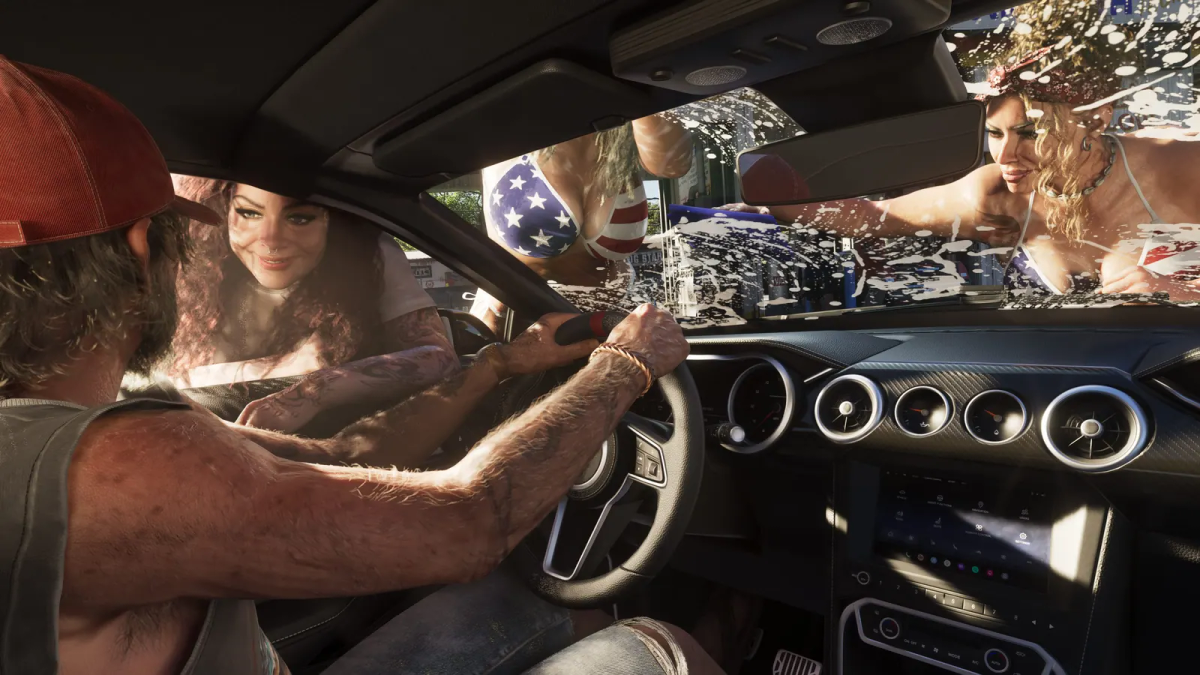
Quick answer: no. GTA 6 has no first-person mode you can switch on and leave on while you walk and drive. What exists are four limited uses: the phone, Inspect Surroundings, binoculars and aiming certain weapons. Only the phone has a menu option, under Settings > Camera > Phone Display.
The buttons below come from player guides as of November 21, 2026, and a patch can change them.
Where first person shows up
| Feature | How to trigger it (PS5 / Xbox Series X|S) | What it does |
|---|---|---|
| Inspect Surroundings | Standing still, hold L2 and press R3 / hold LT and click the right stick (RS) | Frees the camera to look around without moving your character. Zoom with R2 / RT |
| Phone | D-pad up; set it in Settings > Camera > Phone Display > First Person | Changes how the phone is shown. Works while driving too, but it isn’t a free-roam camera |
| Binoculars | L1 / LB opens the weapon wheel; pick the binoculars. Hold L2 / LT to look | You can move while looking. Zoom with the D-pad |
| Weapon aiming | Aim with L2 / LT and press R3 / RS | Looks down the sight, on compatible weapons only. Lowering the weapon returns you to third person |
Jason has binoculars from the start. One guide notes they upset bystanders less than pointing a gun, which makes them the lower-key way to scout.
How to use it: step by step
To change the phone display:
- Open the pause menu and go to Settings.
- Open the Camera tab.
- Scroll to Phone Display and pick First Person.
- To test it, raise the phone with D-pad up.
To look around on foot:
- Stop your character.
- Hold L2 (PS5) or LT (Xbox) and press R3 or click RS.
- Move the camera. Use R2 or RT to zoom in.
For the rest of the button layout, see GTA 6 controls.
What about driving?
Driving stays in third person. The guides we checked describe no in-cab view; the one exception is the phone, which can stay on screen while you drive. If you are after a dashboard camera, there isn’t one right now.
Why so many people are searching for this
The question has history. GTA 5 launched in 2013 with third person only and got first person in its 2014 PS4 and Xbox One release. Red Dead Redemption 2 offered it at launch. It was reported in August, before launch, that a full first-person mode would not be there at release, and the November 18 to 20 guides agree. There is no promise or date for it to arrive later.
FAQ
Does GTA 6 have first person? Not permanently. There are limited uses: the phone, Inspect Surroundings, binoculars and aiming compatible weapons.
Can you drive in first person? No. Driving is third person. Only the phone display can be switched to first person.
How do you use Inspect Surroundings? Standing still, hold L2 and press R3 on PS5; on Xbox, hold LT and click RS.
Will first person come in an update? Nothing has been announced. GTA 5 shows it has happened in this series before, but that is not a promise for GTA 6.
Where is the phone option? In Settings, the Camera tab, under Phone Display.
See also our beginner guide and the phone apps.
Updated November 21, 2026. If a patch changes the camera, this page will be revised.
Sources: this article brings together GTA 6 information from specialized sites and outlets. Credits: GTABase, Games.gg, GTA Intel.