GTA 6 Focus: Non-Lethal Aiming and How to Expand the Bar
Focus is GTA 6's third bar: it slows time, shows weak points and enables non-lethal shots. See how to turn it on, aim with it and what expands the bar.
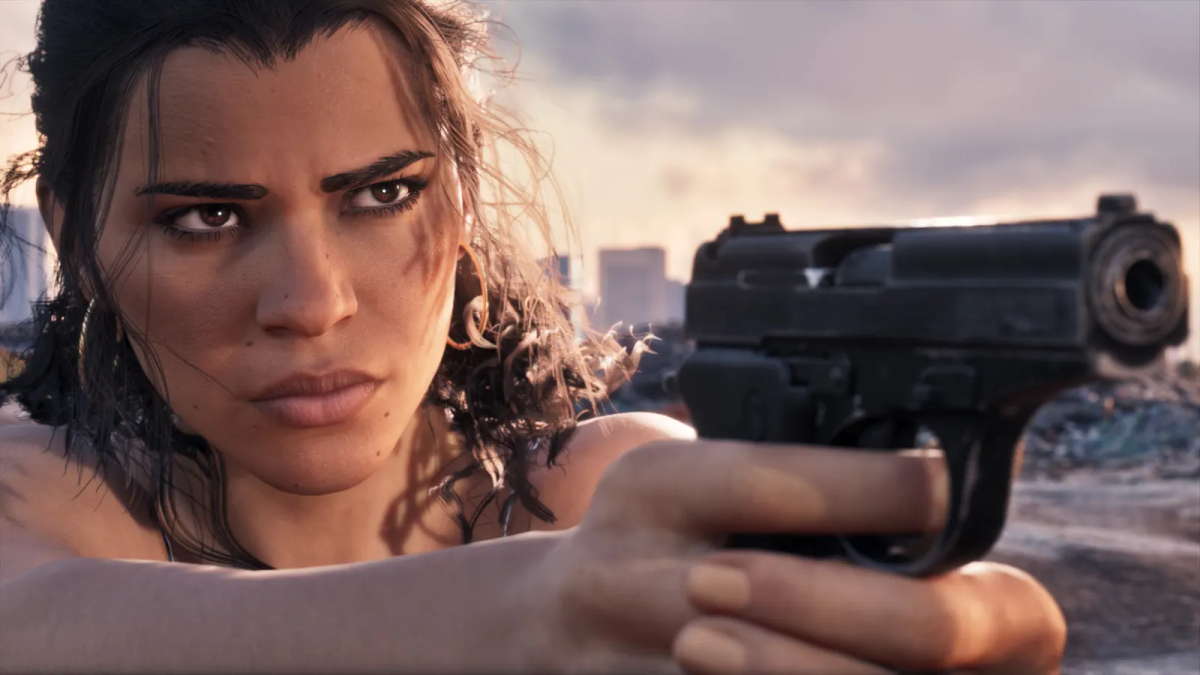
Quick answer: Focus is the game’s third bar, next to health and stamina. To turn it on, click both sticks at once (L3 + R3 on PS5, LS + RS on Xbox). In combat, time slows and you pick where to aim: yellow is non-lethal, red is lethal. Outside combat, Focus works with no limit. The bar grows with shooting ranges, pool and fishing.
What Focus is
It is Jason and Lucia’s slow-motion precision-aiming ability. Rockstar describes it as highlighting enemy weak points; anyone who played Red Dead Redemption will be reminded of Dead Eye.
In the game, Focus does more than help you aim:
- In combat: it slows time, shows threats and highlights weak spots on enemies and vehicles, such as tires and the engine. The slow-motion window is limited.
- Outside combat: it shows cops and enemies behind walls, highlights useful items, security cameras and locks, and does not drain the bar.
How to turn it on, step by step
- Click both sticks together: L3 + R3 on PS5 or LS + RS on Xbox Series X|S.
- In combat, choose the body part or vehicle part you want to hit.
- Fire before the bar runs out.
- Outside combat, use it freely to scan your surroundings.
The bar shows up in purple on the HUD, alongside health and stamina. For other buttons in the game, see GTA 6 controls.
Non-lethal aiming
With Focus on, areas of the target light up in two colors:
| Color | What it means | Example |
|---|---|---|
| Yellow | Non-lethal shot: the enemy is incapacitated | Arms and legs |
| Red | Lethal shot | Head |
The yellow targets include arms, legs and knees; the full list has not been released yet.
Why it is worth it:
- Non-lethal shots help keep a professional profile and weigh less on the police reaction than a headshot. That is the Criminal Profile at work.
- They also help avoid escalating the police response: the cops react to how intense your actions are.
For the rest of the police system, see how to lose the cops and Criminal Profile and the Jason and Lucia relationship.
Focus or regular aim? When to use each
| Situation | What to do |
|---|---|
| Firefight where you only want to incapacitate a target | Focus on, aim at the yellow areas |
| Chase where you want to stop a car | Focus to highlight tires and engine |
| Unfamiliar place before a robbery | Out-of-combat Focus: cameras, locks and items light up |
| Cops nearby | Out-of-combat Focus to see officers behind walls |
| Bar empty mid-fight | Regular aim, without the slow motion |
How to fill and expand the bar
There are three ways to affect the bar: make it bigger for good, get a temporary boost, and refill it during combat.
Permanent growth
Activities that demand concentration grow the bar for good:
- Shooting ranges
- Pool
- Fishing
GameBlast’s review also lists meditation and basketball as concentration activities.
Temporary boosts
| Item | Effect |
|---|---|
| Food and drinks | Extend the bar for a while |
| Sleep | Refills faster |
| Showers | Refill faster |
| Adrenaline | The strongest boost: fills the bar and slows how fast Focus drains |
These boosts are temporary; only training through activities changes the bar’s size for good.
Refilling in combat
What refills the bar during a fight depends on your Criminal Profile. Players who stay restrained tend to be rewarded more for incapacitating without killing.
Shortcut: the Unlimited Focus cheat
After you finish the story, a reported cheat keeps Focus from running out. See the sequence, and what it turns off (trophies and saving), in GTA 6 cheat codes.
FAQ
Which button turns Focus on? Click both sticks together: L3 + R3 on PS5, LS + RS on Xbox.
Does Focus run out? In combat, yes: the slow-motion window is limited. Outside combat, no.
Does aiming at yellow kill? No. Yellow marks non-lethal shots, which incapacitate the enemy. Red marks lethal areas, such as the head.
Can I make the bar bigger for good? Yes. Shooting ranges, pool and fishing grow it permanently.
Is there a final list of non-lethal body parts? Not yet. The yellow targets include arms, legs and knees.
Updated November 21, 2026. If a patch or Rockstar changes Focus, this page will be revised.
Sources: this article brings together GTA 6 information from specialized sites and outlets. Credits: GTABase, Games.gg, GameBlast, Canaltech, GTA Intel.