GTA 6 Swimming: How to Swim Faster and Not Run Out of Air
How to swim in GTA 6: the fast-swim button, stamina, diving and lung capacity on PS5 and Xbox, plus what to avoid so you do not run out of air.
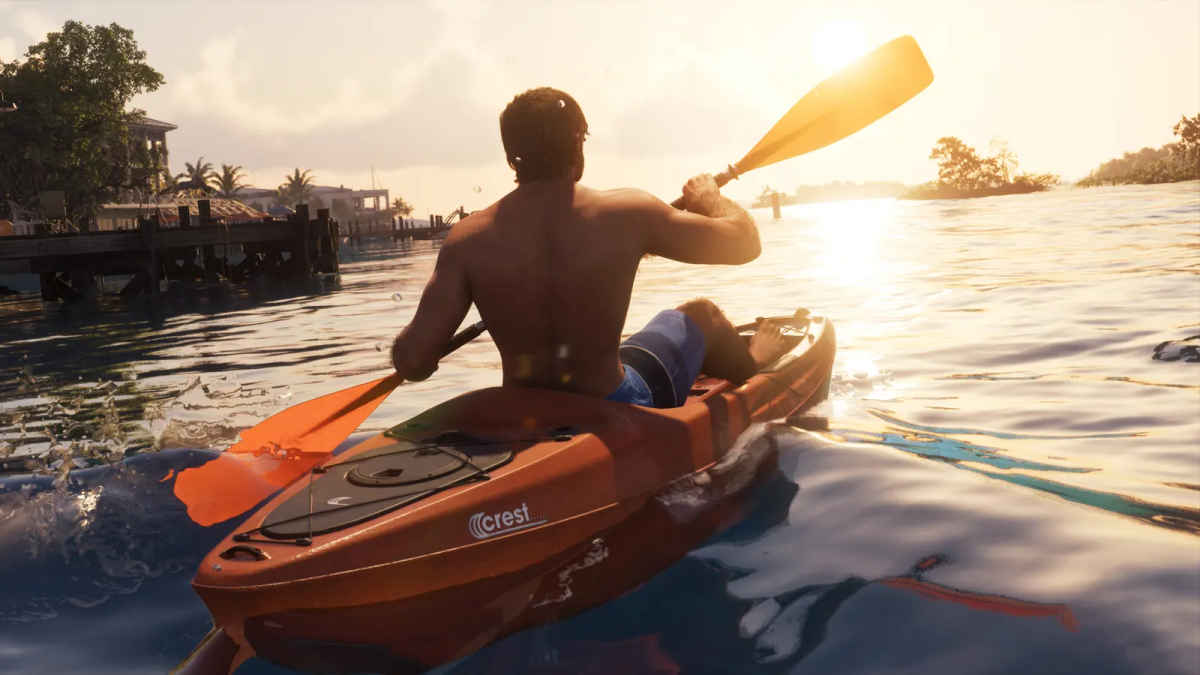
Quick answer: in GTA 6, move through water with the left stick and click the left stick (L3 on PS5, LS on Xbox) to swim faster. Hold R1 (PS5) or RB (Xbox) to dive and press Cross or A to surface. Fast swimming on the surface drains stamina. Without stamina you can keep the pace by diving, but then the lung capacity pays the price.
The buttons are for the default scheme and are the ones listed in two player guides as of November 21, 2026. The stamina and air numbers have not been published: none of the guides gives seconds, distances or depths. Patches can change what is here.
Swimming controls
| Action | Default PS5 | Default Xbox | Classic (PS5) | Left-Handed |
|---|---|---|---|---|
| Move | Left stick | Left stick | Left stick | Right stick |
| Swim faster | L3 (click) | LS (click) | Cross | R3 (PS5) or right-stick click (Xbox) |
| Dive (hold) | R1 | RB | R1 | L1 (PS5) or LB (Xbox) |
| Surface | Cross | A | Square | Not given |
| Aim or strafe (hold) | L2 | LT | Not given | Not given |
| Look behind (hold) | R3 | RS | Not given | Not given |
The guides do not list the Classic scheme for Xbox or the surface button for Left-Handed. To check or switch your scheme, see GTA 6 controls.
Entering the water: at the water’s edge, Cross (PS5) or A (Xbox) is the dive-in. Holding the same button does a dive with a trick.
Stamina vs. lung capacity
They are two separate resources, and the difference explains most drownings:
| Situation | What it drains | What happens when it runs out |
|---|---|---|
| Fast swimming on the surface | Stamina | Fast surface swimming stops being an option |
| Fast swimming underwater | Lung capacity | You run out of air |
| Rising from a depth | Also uses air | The deeper you are, the more air the trip back costs |
The guides say that diving once stamina is gone lets you keep your speed, but does not remove the limit: it only swaps one resource for the other. They also mention a stamina meter and a lung-capacity bar, without describing how they look on screen.
How to swim faster
- Point the stick at your destination.
- Click the left stick (L3/LS) to speed up. Clicking again adds another speed boost, according to the guides.
- Watch your stamina along the way.
- When it runs out, dive with R1/RB if you need to keep the pace, knowing you are now spending air.
How not to run out of air
- Before you enter: set a destination. Hold D-pad Down for Quick Navigation, or place a marker on the map if the landing spot has none.
- Save before long trips. Autosave is explained in how saving works in GTA 6.
- Spend your surface stamina first, and dive only when you need to keep the pace, knowing the cost now moves to your air.
- Treat depth as part of the trip. The deeper you go, the longer the way back, and the air spent on that climb does not buy distance toward shore.
- Swim closer to the surface when you can. The way back stays short, and you are not relying on a crossing made of repeated dives and climbs.
- Start heading up with room to spare, well before the bar runs out.
Dangers and other activities
Sharks can appear near shipwrecks, so check the water before going down. The guides also say there is a diving activity that uses a metal detector to find treasure, and that search time should be counted separately from the distance to shore. This article does not cover that walkthrough.
Swimming as training
Running and swimming both count toward stamina training, and the boxing bag at your safehouse counts as cardio too. The whole system is in the GTA 6 gym guide. For other activities outside missions, see fishing and hunting.
What the guides do not say
- How many seconds of air or stamina you have, and how much each fast-swim press adds.
- The maximum safe depth for a given amount of air.
- How the meters look and where they sit on screen.
- How often sharks show up and how dangerous they are.
FAQ
How do I swim faster in GTA 6? Click the left stick (L3 on PS5, LS on Xbox) while swimming. Clicking again adds more speed.
How do I dive? Hold R1 (PS5) or RB (Xbox). To come back up, press Cross or A.
Is there an air bar? The guides talk about “lung capacity” and a bar, but do not describe how it appears on screen.
Why did I lose my fast swim? On the surface it drains stamina. Without it, only diving keeps your speed up, and it spends air.
Does swimming train my character? Yes: swimming counts toward stamina training, according to the guides. See the gym guide.
Updated November 21, 2026. If a patch changes the buttons or swimming, this page will be revised.
Sources: this article brings together GTA 6 information from specialized sites and outlets. Credits: Games.gg, GTABase.